

When an emergency happens, speed matters, but clarity matters just as much. The CrisisGo + Vivi integration helps schools extend emergency communication beyond phones, radios, and PA systems by activating connected screens as part of the response.
Vivi is used for wireless screen sharing, digital signage, announcements, and emergency alerts in schools, helping deliver visual and audible alerts across classrooms, halls, and staff devices.
With CrisisGo initiating the emergency workflow and Vivi amplifying the message visually, schools can make alerts harder to miss and easier to follow.
What the Integration Enables
Instant Visual Emergency Alerts
Trigger CrisisGo emergency alerts and push critical instructions to Vivi-connected displays across campus.
Clear Instructions During Critical Events
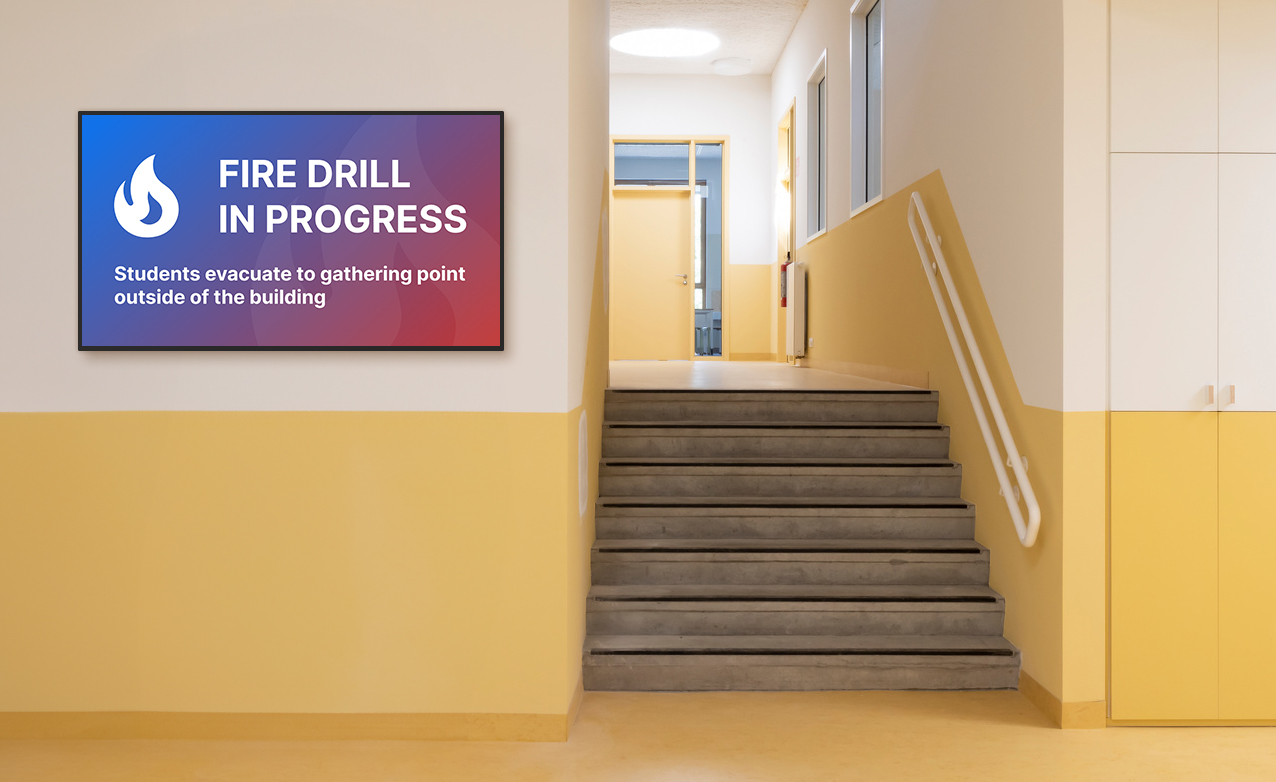
Display lockdown, evacuation, shelter-in-place, or custom emergency messaging where students and staff can see it.
Stronger Campus-Wide Awareness
Use screens as another layer of communication alongside CrisisGo mobile alerts, Safety iResponse workflows, check-ins, and Smart EOC coordination.
More Accessible Communication
Visual alerts help support noisy environments, large spaces, and individuals who may miss audio-only announcements.
Why It Matters
Traditional emergency communication can be fragmented. Staff may miss a phone notification. PA messages may be unclear. Radios may only reach select teams.
Digital signage adds another visible layer.
By connecting CrisisGo with Vivi, schools can:
- Increase alert visibility
- Reduce confusion during emergencies
- Reinforce response instructions
- Support faster staff and student action
- Build a more connected safety ecosystem
How It Works
- An emergency is launched in CrisisGo
Authorized users activate an alert, panic event, or emergency workflow. - The alert triggers visual messaging through Vivi
Connected screens display the appropriate emergency message. - Staff continue response inside CrisisGo
Teams use CrisisGo for check-ins, two-way communication, accountability, maps, Smart EOC coordination, and post-event review.
Best-Fit Use Cases
Lockdown
Display immediate lockdown instructions across classroom and common-area screens.
Evacuation
Broadcast evacuation guidance and reinforce route or assembly instructions.
Shelter-in-Place
Communicate status and next steps without relying only on audio announcements.
Drills and Training
Use visual messaging during drills to build familiarity before a real event.
Ongoing Safety Awareness
Support preparedness campaigns, safety reminders, and operational announcements through campus displays.